




DewesoftX 2026.1 Release - Real-Time SRS, Optimized Modal Analysis and Steady-Speed RMA

February 26, 2026
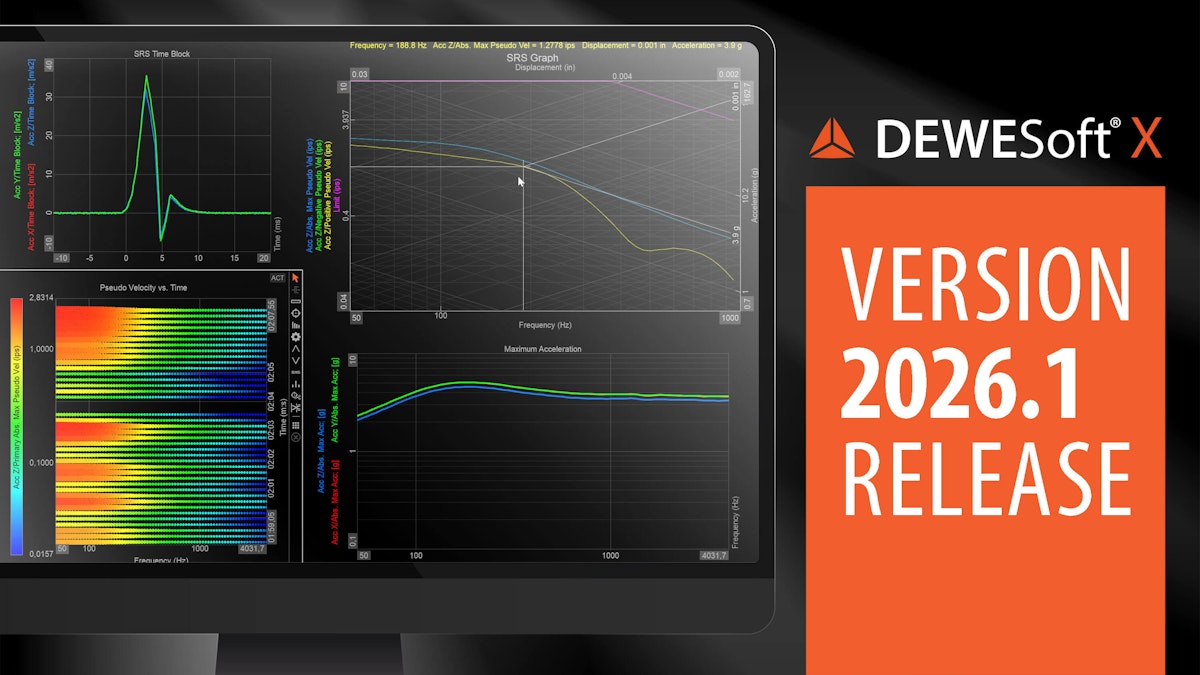
We are excited to announce the release of DewesoftX 2026.1, featuring major updates across our analysis modules and plugins. The Online SRS Analysis now supports online processing for real-time shock trending, while the Optimized Modal Test and Analysis handles thousands of FRFs with native .stp support. Human Body Vibration adds visual guides to improve compliance, and Rotating Machinery Analysis introduces a steady-speed operation mode. Additionally, the Navion Plugin now includes a firmware uploader, and the DS-IMU Plugin supports the new DS-IMU-N1 unit.
Explore the What's New section and dive deep into other updates in this exciting new version.
TL;DR
Don't want to read? Jump directly and see the video of new features in action!
Online SRS analysis
With DewesoftX 2026.1, we introduce many new features to our Shock Response Spectrum (SRS) application module.
New online processing mode
It is now possible to process SRS during testing, enabling real-time monitoring for rapid iteration and shock-trend analysis. We have optimized performance to handle even the highest shock rate demands during online processing. The example below illustrates SRS results in process, with shocks detected at a high rate.

As illustrated above, you can now also follow the triggered SRS time blocks used for SRS calculations. This feature is a great help for determining the optimal time durations for the individual shock sections, pre-shock, shock, and post-shock.
Guided shock detection setup illustrations
For each of the Shock detection modes, an illustration now helps you understand how the properties defined by you will affect the processing:


The Dynamic mode at the bottom is the new supported mode used for Online processing.
User-defined units support
The SRS module now handles all units defined in the Physical quantity editor - so no matter if you are an “ SI unit-meter-mand” or an “inch-ips-mand”, it is all covered.

Improved interaction for the Pseudo-velocity plot (SRS graph)
The dedicated log-log SRS graph now supports the online Dynamic Shock detection mode, and the header for all quantities shows cursor position values.
You can now also set axis adjustments on all four sides.

Optimized modal test and analysis modules
The latest updates to our Modal test and Modal analysis modules represent a significant step forward in processing power, specifically optimized for the demands of large-scale, complex engineering structures. We have upgraded both modules to handle several thousand Frequency Response Functions (FRFs) simultaneously.


Human Body Vibration (HBV) new features
To provide a graphical representation of axis orientation, the previous HBV release already included updated setup pictures, and this release continues the HBV improvement series.
The HBV weighting process traditionally involves several filter stages: a band-limiting filter, an Acceleration-Velocity transition, and an Upward step stage. You can apply only the Band-limiting filter, which is particularly useful for R&D scenarios where you need to analyze raw energy within a specific frequency range.


To maintain the highest level of data integrity, we have fully integrated the HBV filters into our automated software filter test cases.


Efficiency is key in multi-channel setups. The HBV module now natively supports channels that use a sample-rate divider. This feature allows you to acquire high-speed data on some channels (such as acoustics) while simultaneously acquiring HBV data at a lower sample rate.
Dedicated steady speed operation modes in rotating machinery analysis
Both the Order- and the Orbit Analysis module used for rotating machinery diagnostics now support a dedicated operation mode for steady speed.


With the Steady speed mode comes dedicated, pre-defined Measure Display templates:

In the Steady speed mode, there are no speed bin settings like Delta and the Lower- and Upper RPM Limits.

Instead of FFT vs. speed waterfall results, the Steady speed mode has two new FFT outputs that contain data across all speeds.
FW upgrade functionality in Navion plugin
The latest Navion plugin, v2.0.0, introduces a new firmware uploader that lets you seamlessly upgrade or downgrade firmware directly in DewesoftX.


We’re also adding a few other minor features. These include raw GNSS NMEA 0183 output at 1 Hz or 10 Hz, an added reconnect functionality, and a change of the default IP address to 192.168.0.4. In addition, we have introduced configuration options for “Rover with Moving Base” and “Moving RTK Base” (these features require an additional license).
DS-IMU-N1 support in DS-IMU plugin
With the release of DS-IMU plugin v4.0.0, we are adding support for the new Dewesoft single-antenna inertial navigation unit, DS-IMU-N1. Introduced as a direct replacement for the end-of-life DS-IMU1, the DS-IMU-N1 ensures a smooth transition for existing users while delivering improved performance and reliability to your measurement setup.


What else is new?
You will find additional details about all features listed below on Dewesoft’s Engineering Support Portal:
The online installer automatically enables Async Index Structure to improve data visualization across widgets.
CEA module updates include dynamic shims from the channel for each separate cylinder, engine geometry parameters output as single-value channels, and a pressure reference value on trigger.
Time-region markers can now be applied to multiple channels at once using the Ctrl key, or to designated Recorder Groups using Ctrl+Alt.
Easily trace your workflow with highlighted connection lines between action blocks in the Sequencer.
Order Analysis now supports FFT vs. time waterfall results for speed data.
FFT Analysis now supports Scalar outputs for Peak and PkPk based on direct time data.
Sound Power: the setup page now has illustrations of post-calculation principles.
DewesoftX 2026.1 is a free upgrade for all Dewesoft customers and is compatible with all Dewesoft data acquisition systems. Please download the upgrade from our download center, where you will also find a changelog listing all the minor improvements and bug fixes.